.png)
Close vs Pipedrive: Which Sales CRM Is Right for You in 2026?
Close vs Pipedrive: Which Sales CRM Is Right for You in 2026?
Close and Pipedrive are both built for sales teams rather than full marketing/service platforms — but they take very different approaches to getting there. Close puts calling, email and SMS at the center of the CRM itself, with usage-based pricing on top of a flat per-user rate. Pipedrive is built around a clean, visual pipeline first, and leans on third-party integrations (like CloudTalk) rather than native calling for phone-heavy outreach.
This guide compares both on pricing, calling/communication, automation and who each one actually fits — based on both vendors' own live pricing pages as of September 2026. For a broader look that also covers HubSpot and Salesforce, see our Close CRM Alternatives comparison guide, or our full Close CRM review for a deeper look at Close on its own.
A note on how to read this: pricing below is checked live but summarized as "starting at" figures, not locked-in quotes — SaaS vendors change pricing and packaging often (Pipedrive itself raised prices in the days before this article was written, see the Pipedrive section below), so confirm current numbers directly on each provider's own pricing page before you buy. ReviewDailyHub is a Close affiliate partner (full disclosure at the bottom of this article); the Pipedrive research here is independent and not sponsored by Pipedrive.
|
Want to see how Close's built-in calling and SMS compare to Pipedrive's integration-based approach? Start a free 14-day trial.
Try Close CRM Free →
|
1. Close vs Pipedrive: The Quick Answer
Short version: Close is the better fit if calling and SMS are core to how your team sells and you don't want to bolt on a third-party dialer. Pipedrive is the better fit if you want the simplest possible visual pipeline, minimal admin setup, and you're fine wiring up calling through an integration like CloudTalk rather than having it built in. Quick comparison, detailed further below:
| Plan | Starting Price* | Best For |
| Close | $9–$139/user/mo (annual) + usage-based calling/SMS | Sales-only teams calling and texting leads all day |
| Pipedrive | $14–$79/seat/mo (annual) | Teams wanting a simple, visual pipeline with minimal setup |
*Starting prices only; feature access and add-on costs vary by tier and can change the effective price significantly. See the sections below for detail.
2. Close at a Glance
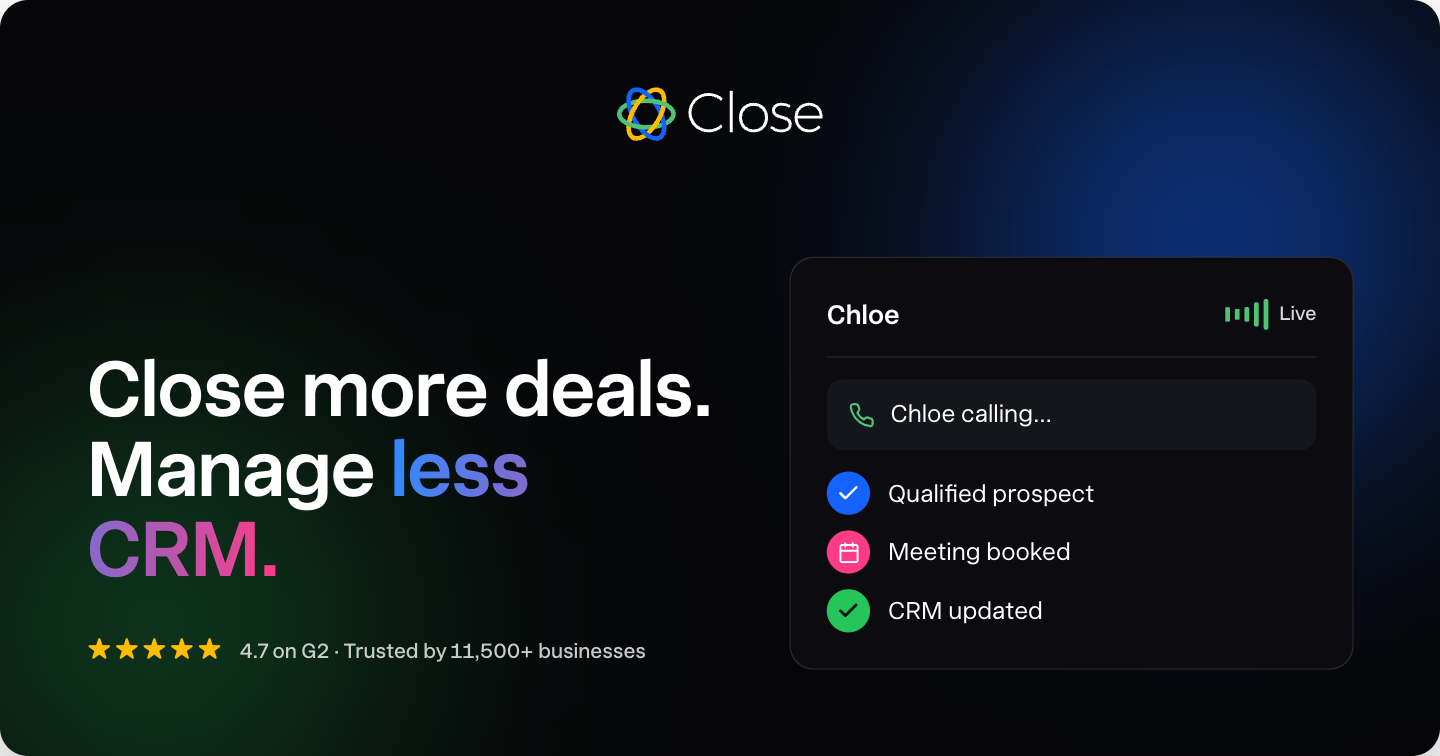
Close bundles calling, email, SMS, pipeline management and its AI sales agent Chloe into one sales-focused CRM — see Close CRM features for the full rundown, and Close CRM Workflows for how its automation system works. Current plans (as of September 2026, live from Close's own pricing page -- full breakdown in our Close CRM pricing guide):
| Plan | Price / user / month* | Fits |
| Solo | $9/user/mo ($19 monthly) | 1 user — core CRM, calling, email, SMS |
| Essentials | $35/user/mo ($49 monthly) | Small teams needing a shared system of action |
| Growth | $99/user/mo ($109 monthly) — Most popular | Automated Workflows, Chloe in Workflows, power dialer |
| Scale | $139/user/mo ($149 monthly) | Predictive dialer, unlimited call recording, live coaching |
Calling and SMS are billed as pass-through usage on top of the flat plan price — per Close's own pricing page, most outbound calls run around $0.02/minute and phone numbers start at about $1/month, with no monthly minute cap on any plan. Close also backs every plan with a 14-day free trial (no credit card, $5 of calling/enrichment credit included) and a 30-day money-back guarantee.
- 4.7 stars on G2 from 2,000+ reviews; 11,500+ businesses use Close, per its own homepage stats
- Workflows (automation) require Growth or Scale — not included on Solo or Essentials
- Calling and SMS are native, core CRM features on every plan, not third-party integrations
|
See how Close's native calling and SMS compare to Pipedrive's pipeline-first approach for your team.
Try Close CRM Free →
|
3. Pipedrive at a Glance
Pipedrive is built around one core idea: a clean, visual deal pipeline that's easy to set up without an admin. Its prices increased in the days before this article was written — confirmed live from Pipedrive's own pricing page (September 2026), all figures per seat/month billed annually:
| Plan | Price* | Fits |
| Lite | $14/seat/mo | Solo reps or tiny teams wanting basic lead & pipeline tracking |
| Growth | $39/seat/mo | Full email sync, automations and nurturing sequences |
| Premium | $59/seat/mo — Most Popular | LeadBooster lead gen, AI multi-email tools, contracts/e-signatures |
| Ultimate | $79/seat/mo | Account security controls, data enrichment, sandbox environment |
For context, Pipedrive's Growth, Premium and Ultimate tiers were priced at $24, $49 and $69/seat/month as recently as September 22, 2026 — a real, recent price increase, not a typo. Only the entry Lite tier ($14) held steady. Pipedrive does not publish its separate pay-month-to-month (non-annual) rate on the same page, so this article states the annual-billed figure only, same convention used for Close and HubSpot elsewhere in this silo. All four plans include a 14-day free trial, no credit card required.
4. Pricing Compared: Close vs Pipedrive
At the entry tier the two are close in price, but they charge for very different things once you look past the sticker price:
Close Pricing
| Close Trade-offs
|
Pipedrive Pricing
| Pipedrive Trade-offs
|
5. Calling & Communication Compared
This is the single biggest structural difference between the two products. Close treats calling and SMS as core CRM functionality; Pipedrive's own pricing page doesn't list native calling at any tier, offering only a partner discount on a third-party calling tool (CloudTalk) at its top Ultimate tier:
| Feature | Close | Pipedrive |
| Calling | Native, built into every plan; no monthly cap, ~$0.02/min | Not a native feature — relies on integrations (e.g. CloudTalk) |
| SMS | Built-in on every plan, usage-based pricing | Not offered natively |
| Phone numbers | Included, from ~$1/month per number | Not applicable — sourced via calling integration |
| Dialer type | Power dialer (Growth), predictive dialer (Scale) | None native; depends on chosen calling add-on/integration |
| Email sync | Built-in on every plan | Full sync with tracking from Growth tier up |
If your team's daily workflow is built around phone calls and text follow-up, Close's native approach avoids stitching together a separate calling tool, a separate bill for it, and the data-sync gap that comes with piecing two systems together.
6. Automation & AI Compared
Both vendors gate their more advanced automation behind a mid-tier plan, but the AI features themselves point in different directions: Close's Chloe is built to actively work leads, while Pipedrive's AI tools lean toward assisting with reporting, email drafting and meeting notes:
| Feature | Close | Pipedrive |
| Entry-tier automation | None (Solo/Essentials) — Workflows start on Growth | None (Lite) — automations/sequences start on Growth |
| Full automation tier | Growth ($99/user/mo) | Growth ($39/seat/mo) for basic; deeper tools on Premium ($59/seat/mo) |
| AI assistant | Chloe — calls leads, qualifies, books meetings, updates CRM | AI-powered report creation (Lite+) and AI multi-email tools (Premium+) |
| Lead scoring / enrichment | Available via Chloe/Workflows on Growth+ | Custom lead scoring and company data enrichment on Premium+ |
| Meeting intelligence | Not a named feature | Meeting intelligence via Pipedrive Nova (Lite+) |
Neither vendor's entry-level plan includes meaningful automation — if that's the deciding feature for your team, budget for Close's Growth tier or Pipedrive's Growth/Premium tier rather than the cheapest published price.
7. Close vs Pipedrive: Head-to-Head Summary
| Criteria | Close | Pipedrive |
| Best for outbound calling volume | Close (native, uncapped) | Pipedrive (requires a calling add-on/integration) |
| Simplest to set up without an admin | Close | Pipedrive |
| Cheapest entry tier | Solo ($9/user/mo annual) | Lite ($14/seat/mo annual) |
| Has a permanently free tier | No | No (14-day trial only) |
| Native SMS | Yes | No |
| Lead-gen tools included in base price | Not a core focus | No — LeadBooster is a separate paid add-on |
| Price stability (recent history) | Unchanged across this project's research (Sept 2026) | Growth/Premium/Ultimate all rose within the last few days (Sept 2026) |
Pipedrive's recent price increase narrows the gap with Close at the mid-tier and above — worth factoring in if you were comparing the two on an older price you saw elsewhere.
8. Which Should You Choose?
|
Choose Close if…
Your team sells primarily by phone, email and SMS, you want calling and messaging built into the CRM itself rather than bolted on through an integration, and you don't want a monthly minute cap standing between your team and its next call.
|
|
Choose Pipedrive if…
You want the simplest possible visual pipeline with the fastest setup, calling isn't your team's primary channel (or you're happy wiring up a separate calling tool like CloudTalk), and you're comfortable re-checking pricing given its recent increase.
|
9. Final Verdict
If calling and SMS are core to your sales process and you want them native to the CRM rather than stitched together through a third-party integration, Close is purpose-built for that — see the full review and pricing breakdown linked earlier in this article, or the broader Alternatives guide (also linked above) if you want HubSpot and Salesforce in the comparison too.
If your priority is the simplest possible visual pipeline with minimal setup, and calling isn't your team's primary channel, Pipedrive is a legitimate and simpler alternative — just confirm its current pricing directly given the recent increase.
|
See If Close Fits Your Team
Start Your Close CRM Free Trial
14 days free, no credit card required, plus a 30-day money-back guarantee — test Close's native calling and SMS against your own outbound process before deciding between it and Pipedrive.
Start Your Close CRM Free Trial →
Pricing and features for both Close and Pipedrive verified as of September 2026 — confirm current details directly with each provider before subscribing.
|
Frequently Asked Questions
Is Close cheaper than Pipedrive?
At the entry tier, Pipedrive's Lite plan ($14/seat/month) is close to Close's Solo plan ($9-19/user/month). Pipedrive recently raised its Growth, Premium and Ultimate prices, which narrows the price gap with Close's equivalent tiers — check both vendors' current pricing pages before comparing, since Pipedrive's numbers changed within days of this article being written.
Does Pipedrive have built-in calling like Close?
No. Pipedrive's own pricing page does not list native calling as a feature at any tier — it offers only a partner discount on a third-party calling tool (CloudTalk) at its top Ultimate tier. Close has calling and SMS built into every plan natively, with no monthly minute cap.
Why did Pipedrive's prices change?
Pipedrive's Growth, Premium and Ultimate tiers increased in price in the days immediately before this article was published (from $24/$49/$69 to $39/$59/$79 per seat/month). Pipedrive has not published a public explanation for the increase; only its Lite tier ($14/seat/month) held steady.
Which is simpler to set up: Close or Pipedrive?
Both are known for fast setup without needing a dedicated CRM admin, more so than HubSpot or Salesforce. Pipedrive is often cited as the simplest visual pipeline to configure; Close is similarly quick to set up but has more to configure upfront if you want calling and SMS running from day one.
Does Pipedrive include lead generation tools in its base price?
Only partially. Basic pipeline and lead management is included at every tier, but Pipedrive's dedicated lead-generation tool, LeadBooster, is a separate paid add-on starting around $32.50/month on top of the base plan, though it's bundled into the Premium and Ultimate tiers.
Affiliate Disclosure: ReviewDailyHub is a Close affiliate partner. This article contains affiliate links to Close — if you sign up through one of our links, we may earn a commission at no additional cost to you. Close's exact discount terms are not always publicly disclosed and can change, so always confirm the current offer at checkout. We are not affiliated with, sponsored by, or compensated by Pipedrive; its pricing and features are summarized from Pipedrive's own public pricing page as of September 2026 and can change without notice — verify current numbers directly with Pipedrive before making a decision.
About the author
reviewdailyhub Senior Trends AnalystAbout the author – reviewdailyhub Team
reviewdailyhubTeam is a group of independent researchers and writers who review products and services across different industries. Our content is based on publicly available information and careful analysis, with the goal of helping readers understand what a product offers before making their own decisions.